
Last updated on
Nov 9, 2026
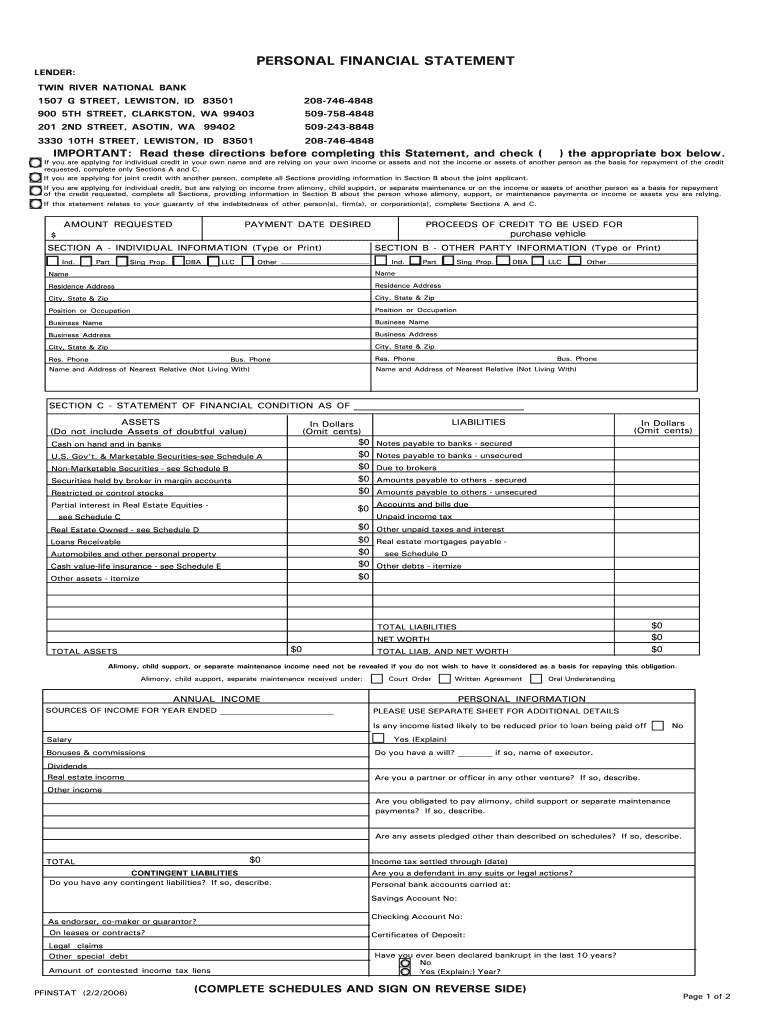
Twin River National Bank PFINSTAT 2006-2026 free printable template
pdfFiller is not affiliated with any government organization

Fill out
Complete the form online in a simple drag-and-drop editor.

eSign
Add your legally binding signature or send the form for signing.

Share
Share the form via a link, letting anyone fill it out from any device.

Export
Download, print, email, or move the form to your cloud storage.
Why pdfFiller is the best tool for your documents and forms


End-to-end document management
From editing and signing to collaboration and tracking, pdfFiller has everything you need to get your documents done quickly and efficiently.
Accessible from anywhere
pdfFiller is fully cloud-based. This means you can edit, sign, and share documents from anywhere using your computer, smartphone, or tablet.
Secure and compliant
pdfFiller lets you securely manage documents following global laws like ESIGN, CCPA, and GDPR. It's also HIPAA and SOC 2 compliant.
What is Twin River National Bank PFINSTAT
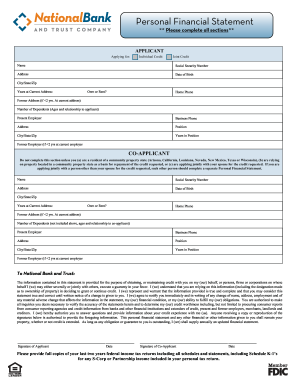
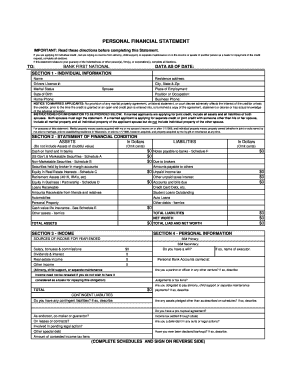
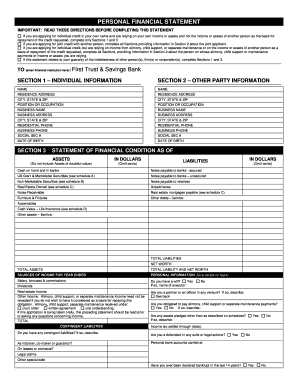
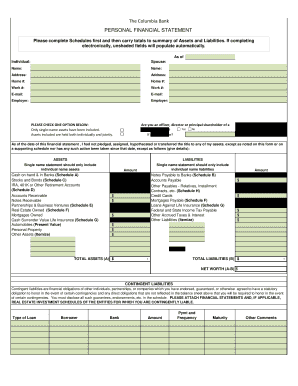
The Personal Financial Statement Form is a document used by individuals applying for credit to detail their financial condition, including assets and liabilities.
pdfFiller scores top ratings on review platforms




Who needs Twin River National Bank PFINSTAT?
Explore how professionals across industries use pdfFiller.

Twin River National Bank PFINSTAT is needed by:
-
Individuals seeking loans from banks
-
Applicants for personal credit or lines of credit
-
Small business owners applying for financing
-
Borrowers looking for mortgage approvals
-
Joint applicants or guarantors for financial agreements
-
Financial advisors assisting clients with credit applications
-
Lenders assessing creditworthiness of potential borrowers
Comprehensive Guide to Twin River National Bank PFINSTAT
What is the Personal Financial Statement Form?
The Personal Financial Statement Form is a crucial document used in credit applications to provide a comprehensive overview of an individual's financial condition. This form details significant financial information, including assets and liabilities, which help lenders evaluate an applicant's creditworthiness. By assessing these financial details, the form plays a vital role in the approval process for loans and credit.
Lenders utilize the personal financial statement form—also referred to as a financial condition statement—to make informed decisions regarding credit approval based on the applicant's financial profile.
Purpose and Benefits of the Personal Financial Statement Form
This form is essential for individuals applying for credit, as it outlines the financial circumstances necessary for evaluation. Submitting the personal financial statement enhances the chances of loan approval by providing lenders with a clear picture of the applicant's financial situation.
Benefits of using the personal financial statement form include a streamlined approval process and better communication of financial health, which fosters trust between the lender and the applicant. By clarifying financial details, it assists lenders in making timely and accurate credit decisions.
Key Features of the Personal Financial Statement Form
The personal financial statement form contains several key components that are critical for lenders. Essential sections include detailed income statements that outline monthly earnings and comprehensive asset/liability listings that capture financial obligations and resources.
Additional features of the form include provisions for joint applicants or guarantors and its fillable form capabilities, ensuring ease of use for individuals completing the application.
Who Needs to Complete the Personal Financial Statement Form?
Individuals applying for loans typically need to complete the personal financial statement form to facilitate the evaluation of their creditworthiness. This requirement applies to a variety of scenarios, especially when joint applicants are involved. In addition, professionals, business owners, and anyone seeking significant credit may be required to submit this form to provide a complete picture of their financial standing.
How to Fill Out the Personal Financial Statement Form Online (Step-by-Step)
Filling out the personal financial statement form online is straightforward. Follow these steps:
-
Access the online form through pdfFiller.
-
Begin by entering your name and address in the designated fields.
-
Complete financial sections, detailing your income and outstanding debts.
-
Ensure all applicable fields are filled accurately for a complete submission.
-
Review the form thoroughly for any potential errors or missing information.
By adhering to these steps, applicants can ensure that the personal financial statement form is filled out with precision and completeness, enhancing their chances of credit approval.
Common Errors When Completing the Personal Financial Statement Form
To reduce mistakes, it is advisable to utilize a checklist that includes items such as verifying income accuracy and double-checking all entries for completeness. Emphasizing the importance of thorough reviews can prevent complications during the application process.
How to Sign and Submit the Personal Financial Statement Form
Signing and submitting the personal financial statement form requires careful attention to detail. Applicants can choose between digital signatures and traditional wet signatures, depending on the submission method preferred. It is important to understand the different submission channels available, including online, by mail, or in person.
Once submitted, applicants should track the submission status using available tools or communication channels to confirm receipt and stay informed about subsequent steps in the process.
Securely Handling Your Personal Financial Statement with pdfFiller
When completing the personal financial statement form online, security is paramount. pdfFiller employs robust security measures such as encryption to protect sensitive information, ensuring compliance with regulations like HIPAA and GDPR.
This platform provides users with a convenient and secure way to fill out and submit the personal financial statement form, safeguarding their financial data while maintaining ease of use.
Real User Experience with the Personal Financial Statement Form
Users have shared positive experiences regarding the personal financial statement form, often highlighting its effectiveness in expediting loan processes. Successful submissions have led to increased credit approvals, and feedback indicates that using pdfFiller enhances the overall experience.
Testimonials reveal that individuals appreciate the user-friendly interface of pdfFiller, which facilitates efficient filling and submission of the personal financial statement form.
Get Started with Completing Your Personal Financial Statement Form Today!
To begin the process of completing your personal financial statement form, access the platform via pdfFiller. Follow the outlined steps to navigate the form with support options available for any queries. Taking these initial steps can set the foundation for successful credit application outcomes.
How to fill out the Twin River National Bank PFINSTAT
-
1.To access the Personal Financial Statement Form on pdfFiller, visit the pdfFiller website and log into your account or create a new one if you don’t have one.
-
2.Once logged in, use the search bar to locate the Personal Financial Statement Form by entering its name.
-
3.When the form appears in the search results, click on it to open it in the pdfFiller interface.
-
4.Familiarize yourself with the layout of the form, noting the sections designated for asset and liability details as well as income information.
-
5.Before filling out the form, gather necessary financial documents such as bank statements, pay stubs, and details of any debts or liabilities.
-
6.As you navigate through the form, click into each field to enter relevant information. Use pdfFiller's fillable features to easily input data.
-
7.Ensure you complete all required fields, including your name, residence address, and financial details. Use the checkbox options wherever applicable.
-
8.After filling in all information, take the time to review your entries for any errors or missing details.
-
9.Once satisfied with the accuracy, finalize the form by clicking the review option in pdfFiller and making any necessary adjustments.
-
10.To save, download, or submit the form, choose the corresponding options usually found in the toolbar of the pdfFiller interface, following the prompts to complete your action.

Who is eligible to use the Personal Financial Statement Form?
The Personal Financial Statement Form can be used by any individual applying for credit, including those seeking loans, mortgages, or lines of credit.
What information should I gather before filling out the form?
Before starting the form, gather documents detailing your income, bank statements, information about debts, and any assets. This will help ensure accurate completion.
How do I submit the Personal Financial Statement Form?
You can submit the form electronically through pdfFiller or print it to submit physically to your lender. Make sure to check your lender's submission preferences.
What are common mistakes to avoid when completing the form?
Common mistakes include forgetting to include all sources of income, neglecting to check for mathematical errors, and omitting necessary signatures. Double-check all entries for accuracy.
Will I need to notarize the form?
No, the Personal Financial Statement Form does not require notarization, but you must sign it to certify that the information provided is truthful.
What should I do if I encounter issues while using pdfFiller?
If you experience issues on pdfFiller, check their help section for troubleshooting tips or reach out to their customer support for assistance.
How long does it take to process the Personal Financial Statement Form?
Processing time can vary by lender. However, expect some lenders to review it within a few business days once submitted. Always check with your financial institution for specifics.
Related Content
Related Forms



Related Catalogs
Get the latest insights from our blog


If you believe that this page should be taken down, please follow our DMCA take down process
here
.
This form may include fields for payment information. Data entered in these fields is not covered by PCI DSS compliance.